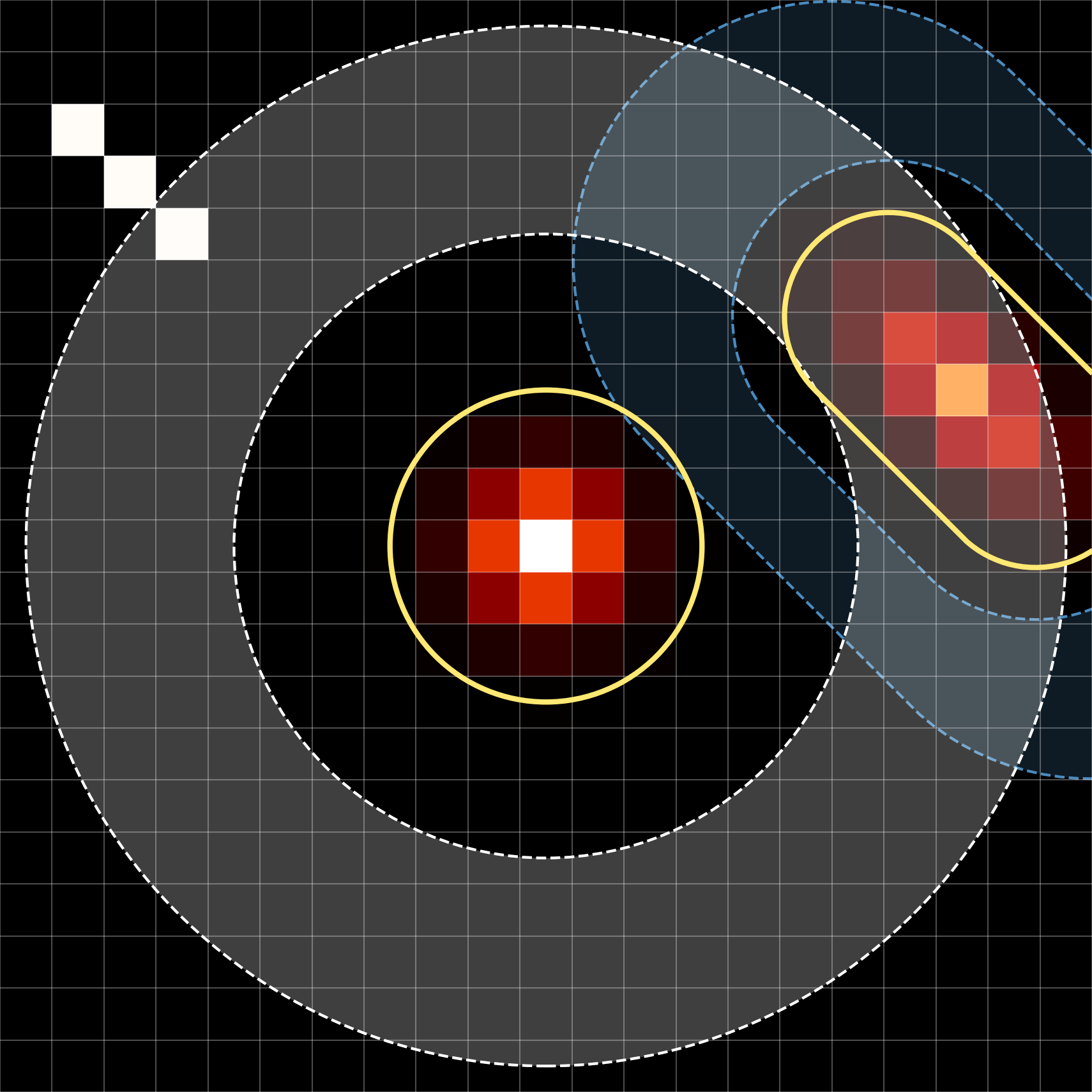
astroapers (aap in short) is a Rust-backed Python package for exact aperture overlap, bbox-tight weights, and aperture summation in pixel coordinates.
Key Concepts
Aperture (class PixelAp):
ap = aap.CircAp((x, y), r)
An aperture is defined by a single closed-curve geometry.
Annulus (class PixelAp):
an = aap.CircAn((x, y), r_in, r_out)
An annulus is a special kind of aperture, defined by two closed-curve geometries: an inner one and an outer one.
Bounding Box (class BoundingBox):
bboxes = ap.bboxes().
General users will not need to access this at all.
The smallest rectangle that contains the aperture.
Defined using four ints: (ixmin, ixmax, iymin, iymax).
It is a small helper to reduce calculation time and memory usage in aap by working only with the pixels relevant to the aperture, instead of the full image.
Use bbox.to_fits_section(shape) for DS9 or IRAF-style FITS image section ([x1:x2,y1:y2], 1-indexed).
Weights (class list[ndarray])
In real usage, users generally won’t need it directly because the aperture methods (especially apsum) will use them internally.
weights = ap.weights_exact() returns one bbox-tight fractional-overlap array per aperture position.
weights_exact() returns values between 0 and 1: the exact fraction of each pixel covered by the aperture.
weights_center() returns bbox-tight binary weights: 1 if the pixel center is inside the aperture, otherwise 0.
Use exact weights for flux sums and effective area. Use center weights when you want a simple pixel sample, such as background values in an annulus.
It is bbox-tight, so to get the full image-shaped mask, use ap.bboxes()[i].to_image(ap.weights_exact()[i], shape).
Sampled and weighted values (class list[ndarray]):
samples, pix = ap.sampled_values(image, return_pix=True) also returns absolute pixel-center coordinate arrays aligned with the sampled values. For 2-D apertures, each coordinate tuple is (yy, xx); subtract the aperture center to get dy/dx, and use np.hypot(dx, dy) for Euclidean distance.
weighted = ap.weighted_values(image) is not designed for end users except for deep investigation/degugging. It returns image * weights_exact() values for positive-overlap pixels.
By default, both methods return one 1-d array per aperture position, even for a scalar aperture.
Use flat=True for one concatenated array plus offsets (see documentation for details).
Expected usage: ann.sampled_values() for custom statistics such as median, sigma clipping, or robust background estimation.
Aperture sum (class float or 1-d array):
apsum = ap.apsum_exact(image).
It internally combines bbox-tight weights with the matching BoundingBox to calculate the sum, which is memory- and computation-efficient.
Area (class float):
area = ap.area.
Area is the analytic geometric area of the aperture, e.g., \(\pi r^2\) for a circle.
Effective area (class float or 1-d array):
npix = ap.npix_exact(shape, mask=...).
It is the sum of weights after excluding pixels outside the image and/or masked pixels. Therefore, npix\(\le\)ap.area.
The image shape is required to correctly calculate npix (e.g., to exclude pixels outside the image). Optionally, a mask can also be passed to exclude masked pixels. Users may discard objects by badphot = npix/area < criterion (e.g., objects near the image edge or affected by bad pixel mask, bpm).
Source sum:
Called srcsum in the tutorials.
It is the background-subtracted source flux, calculated as apsum - background * npix.
Since background estimation may require complicated or custom algorithms, it is not a built-in method in aap. Instead, users are expected to do: bkg = background(an.sampled_values(image)[0], **kwargs) and then compute ap.apsum_exact(image)[0] - bkg * ap.npix_exact(image.shape).
First-Look at aap
The object layer is usually the clearest way to express a measurement. The raw Rust extension, imported as aapr, is the expert performance layer for fixed workflows where source coordinates already live in C-contiguous arrays.
import numpy as npimport astroapers as aapimport astroapers._rust as aaprdata = np.ones((16, 16), dtype=float)xpos = np.ascontiguousarray([8.0], dtype=np.float64)ypos = np.ascontiguousarray([8.0], dtype=np.float64)raw_data = np.ascontiguousarray(data, dtype=np.float64)ap = aap.CircAp((xpos[0], ypos[0]), r=3.0)obj_apsum, obj_npix = ap.apsum_exact(data)# Raw Rust call: no Python validation, masks, or result shaping.apsum = aapr.apsum_circ_exact_sum(raw_data, xpos, ypos, 3.0)assert np.allclose(apsum[0], obj_apsum)apsum
[28.274333882308134]
Coordinates follow the SEP/Photutils pixel convention: pixel (x, y) is centered at integer coordinates and covers [x - 0.5, x + 0.5].
Apertures own a read-only float64 copy of their centers, including with validate=False. Editing the constructor input leaves the aperture unchanged; ap.positions cannot be edited or reassigned. Construct a new aperture to move it, for example aap.CircAp((9.0, 8.0), r=ap.r). See construction and repeated measurements for batching and reuse guidance.
For already valid inputs, validate=False can make aperture construction roughly twice as fast in some cases, although construction already takes microseconds in local CircAp measurements: 1.66 µs → 0.75 µs for a single center. The gain depends on the input and machine; total photometry speedups can be smaller. The performance guide above gives the timing context.
Rust Crate Use
astroapers is also usable as a Rust crate. The public Rust aperture helpers do not depend on PyO3 or NumPy unless the Python extension feature is enabled.
[dependencies]astroapers="<version>"
Replace <version> with the release version you want to depend on.
useastroapers::{circle_bbox, circle_exact_weight_at_pixel};let bbox = circle_bbox(8.0,8.0,3.0);letmut area =0.0;for y in bbox.y_range() {for x in bbox.x_range() { area += circle_exact_weight_at_pixel(8.0,8.0,3.0, x, y);}}assert!((area -std::f64::consts::PI *9.0).abs() <1.0e-12);
The current Rust-facing API exposes bbox-tight extents and exact pixel weights for circles, ellipses, and rectangles. Build local Rust API docs with:
cargo doc --no-default-features--open
This site has these documentation sections:
Aperture gallery, a visual catalog of built-in apertures, annuli, and custom PathAp line/circular-arc geometries.
Performance, guidance for raw Rust calls, dtype behavior, and parallel threshold tuning.
Mixed inner and outer annulus shapes: use rectangular and elliptical annuli whose inner and outer boundaries do not need to be scaled copies of the same shape.
Geometry calculations and public aperture-sum results are float64. The raw astroapers._rust functions, conventionally imported as aapr, are the maximum-performance interface: they expect C-contiguous arrays with the dtype matching the function name, such as apsum_circ_exact_sum_f32 for float32 data. For additional raw-call patterns, inspect astroapers.kernels; it is the Python layer that calls _rust internally.
Bbox-tight weights from PixelAp.weights_exact() are float64. User-supplied weights passed to BoundingBox methods preserve only float32 and float64. Other numeric or boolean weight dtypes, including extended precision dtypes such as float128/longdouble where available, are converted to float64. Array-producing helpers such as BoundingBox.to_image(), weighted_cutout(), and weighted_values() preserve float32 when both data and weights are float32, but BoundingBox.apsum() and BoundingBox.npix() always accumulate in float64.
Bad-pixel arrays passed as mask= are converted to boolean, with True meaning excluded.